Replit AI Review (2026): Build Full-Stack Apps with AI in Your Browser
Advertisement
Reserved ad space · Google AdSense
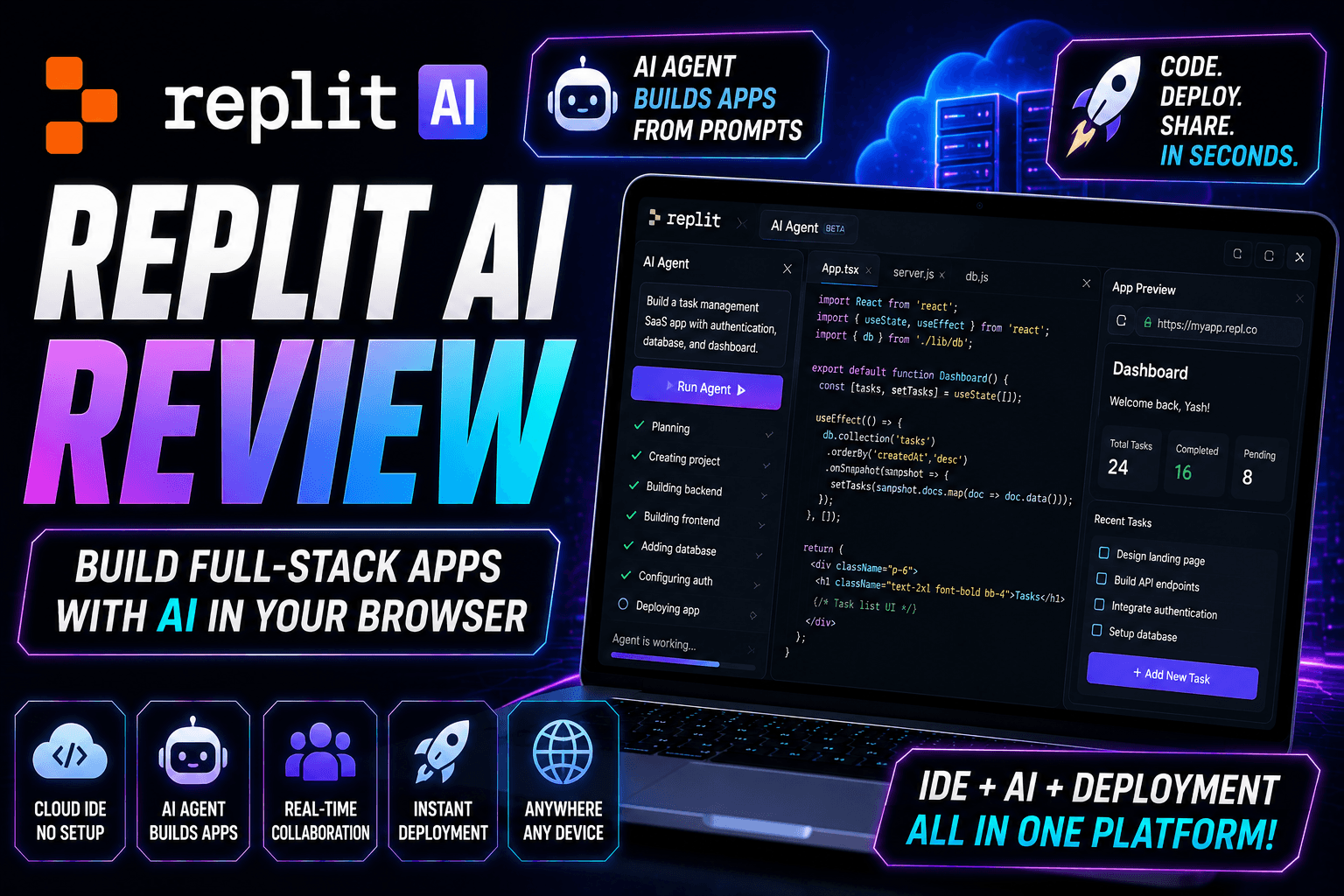
Replit AI Review (2026): Can It Build Full-Stack Apps from a Prompt?
Artificial Intelligence has transformed software development by making it possible to generate code, design user interfaces, deploy applications, and even create full-stack projects using natural language prompts.
One platform leading this transformation is Replit AI.
Unlike traditional development environments that require local installations and complex setup, Replit provides a cloud-based development platform where developers can write code, collaborate, run applications, and deploy projects directly from their browser.
With the introduction of AI-powered development features, Replit has become much more than an online code editor—it now acts as an intelligent development assistant capable of helping developers build complete applications faster.
In this complete review, you'll learn everything about Replit AI, including its features, supported technologies, AI Agent, pricing, advantages, limitations, and whether it's worth using in 2026.
What is Replit AI?
Replit AI is an AI-powered software development platform integrated into the Replit cloud IDE.
It combines coding, project management, deployment, and AI assistance into a single browser-based environment.
Instead of switching between multiple tools, developers can write code, ask AI questions, generate new features, debug errors, and deploy applications from one workspace.
This approach makes software development accessible from almost any device with an internet connection.
How Replit AI Works
Getting started with Replit AI is straightforward.
- Create or sign in to your Replit account.
- Create a new project or open an existing one.
- Choose your preferred programming language or template.
- Start coding or describe your project to the AI.
- Review the generated code.
- Test your application.
- Deploy your project directly from Replit.
The AI performs best when given clear prompts and enough project context.
Key Features
Replit AI includes numerous features designed to improve the software development experience.
Some of the most useful capabilities include:
- AI Agent
- Cloud IDE
- AI code generation
- Full-stack application development
- AI chat assistant
- Real-time collaboration
- Browser-based coding
- Instant deployment
- Project templates
- Code explanation
- Bug fixing assistance
- Database integration support
- Package management
- Git integration
- Team collaboration
- Cross-device development
AI Agent
One of Replit AI's most notable features is the AI Agent.
Instead of simply suggesting code, the AI Agent can assist throughout the development process.
Examples include:
- Creating project structures
- Building frontend pages
- Generating backend logic
- Setting up APIs
- Creating databases
- Debugging errors
- Explaining existing code
- Updating multiple files
- Improving project organization
Developers should always review generated code before deploying applications.
Cloud Development Environment
Unlike traditional desktop IDEs, Replit runs entirely in the cloud.
Benefits include:
- No software installation
- Access from multiple devices
- Automatic project storage
- Browser-based coding
- Easy sharing
- Faster onboarding
- Simple project management
This makes Replit especially attractive for students, remote teams, and developers who frequently switch devices.
Full-Stack Development
Replit AI supports building many different types of applications.
Examples include:
- SaaS platforms
- Landing pages
- Portfolio websites
- Admin dashboards
- AI tools
- REST APIs
- Internal business software
- CRM systems
- Educational projects
- Startup MVPs
- Automation tools
- Management systems
Generated projects often serve as a strong starting point that developers can customize further.
Supported Programming Languages
Replit supports a wide range of programming languages.
Some popular options include:
- JavaScript
- TypeScript
- Python
- Java
- C
- C++
- C#
- Go
- Rust
- PHP
- Ruby
- Swift
- Kotlin
- HTML
- CSS
- SQL
- Bash
Language support continues to evolve as the platform grows.
Collaboration Features
Replit is designed with collaboration in mind.
Teams can work together by:
- Sharing projects
- Collaborating in real time
- Reviewing code
- Testing applications
- Managing shared workspaces
These collaboration tools can simplify teamwork for students, startups, and distributed development teams.
Instant Deployment
One of Replit's biggest advantages is deployment.
Developers can often deploy applications directly from the platform without setting up separate hosting environments.
Typical deployment workflow includes:
- Build the application
- Test functionality
- Configure environment variables
- Deploy
- Share the application
Production applications should still undergo proper testing, monitoring, and security reviews.
AI Coding Assistance
Replit AI can assist with many development tasks.
Examples include:
- Writing functions
- Explaining code
- Refactoring
- Debugging
- Creating APIs
- Database queries
- Documentation
- Unit test generation
- Algorithm explanations
- Learning new frameworks
AI-generated code should always be reviewed and tested.
Productivity Benefits
Developers use Replit AI to reduce repetitive work.
Potential productivity benefits include:
- Faster prototyping
- Reduced boilerplate code
- Better collaboration
- Simplified deployment
- Improved learning
- Faster debugging
- Rapid MVP development
- Browser-based convenience
The overall productivity gain depends on the project, developer experience, and review process.
Who Should Use Replit AI?
Replit AI is suitable for:
- Students
- Frontend developers
- Backend developers
- Full-stack developers
- Startup founders
- Freelancers
- Agencies
- Teachers
- Coding bootcamps
- Open-source contributors
- Small development teams
It is especially useful for anyone who values cloud-based development and quick project sharing.
Advantages
Some of Replit AI's major strengths include:
- Browser-based IDE
- AI Agent assistance
- Real-time collaboration
- Instant deployment
- Cross-device accessibility
- Supports many programming languages
- Beginner-friendly interface
- Rapid application development
- Integrated development workflow
Limitations
Like any AI-powered development platform, Replit AI has limitations.
Examples include:
- AI-generated code may require manual refinement.
- Complex enterprise applications still require experienced developers.
- Performance can depend on internet connectivity.
- Security and testing remain the developer's responsibility.
- Generated applications should be reviewed before production deployment.
AI should be viewed as a productivity assistant rather than a replacement for software engineering expertise.
Pricing
Replit offers multiple plans, including free and paid options. Available features, AI capabilities, usage limits, deployment resources, and pricing may change over time. Always check the official Replit website for the latest subscription information.
Replit AI vs Traditional Development
Traditional development often requires installing editors, runtimes, dependencies, and deployment tools.
Replit simplifies this workflow by providing a browser-based development environment where coding, testing, collaboration, AI assistance, and deployment happen in one place.
This integrated approach can reduce setup time and help developers focus more on building applications.
Replit AI vs Other AI Coding Platforms
Replit AI belongs to a growing ecosystem of AI-powered development tools.
Some platforms specialize in AI-assisted coding inside desktop editors, while others focus on full-stack application generation or frontend design.
Replit stands out by combining a cloud IDE, AI assistance, collaboration tools, and deployment into a single platform.
The best choice depends on your workflow, project requirements, and preferred development environment.
Frequently Asked Questions
Is Replit AI free?
Replit offers free and paid plans with different features and usage limits. Check the official website for current plan details.
Can Replit AI build complete applications?
Replit AI can generate significant portions of full-stack applications, but production-ready software typically requires customization, testing, security reviews, and ongoing maintenance.
Do I need to install anything?
No. One of Replit's biggest advantages is that it runs directly in your web browser, eliminating the need for local setup for many workflows.
Is Replit AI good for beginners?
Yes. Its browser-based environment, templates, and AI assistance make it approachable for beginners while still offering advanced capabilities for experienced developers.
Can teams collaborate on Replit?
Yes. Replit includes collaboration features that allow multiple users to work together on projects, depending on the available plan and features.
Tips for Better Results
To get the most from Replit AI:
- Write detailed prompts.
- Organize your project structure.
- Review all AI-generated code.
- Test features before deployment.
- Use version control when appropriate.
- Keep dependencies up to date.
- Verify security before publishing production applications.
Clear prompts and well-structured projects generally lead to better AI-generated results.
Final Verdict
Replit AI is one of the most complete cloud-based AI development platforms available today. By combining a browser-based IDE, AI Agent, collaboration tools, and deployment capabilities into a single environment, it offers an efficient workflow for developers, students, startups, and teams.
Whether you're building a personal portfolio, a SaaS application, an API, or a startup MVP, Replit AI can help reduce setup time and accelerate development. While it doesn't eliminate the need for testing and engineering expertise, it serves as a powerful productivity tool for modern software development.
Disclaimer
This article is published for educational and informational purposes only. Replit and Replit AI are trademarks of their respective owners. Features, pricing, integrations, AI capabilities, supported languages, and availability may change over time. Always refer to the official Replit documentation and website for the latest information.
Advertisement
Reserved ad space · Google AdSense
Comments (0)