Top 7 Free AI Coding Tools Every Developer Should Try in 2026
Advertisement
Reserved ad space · Google AdSense
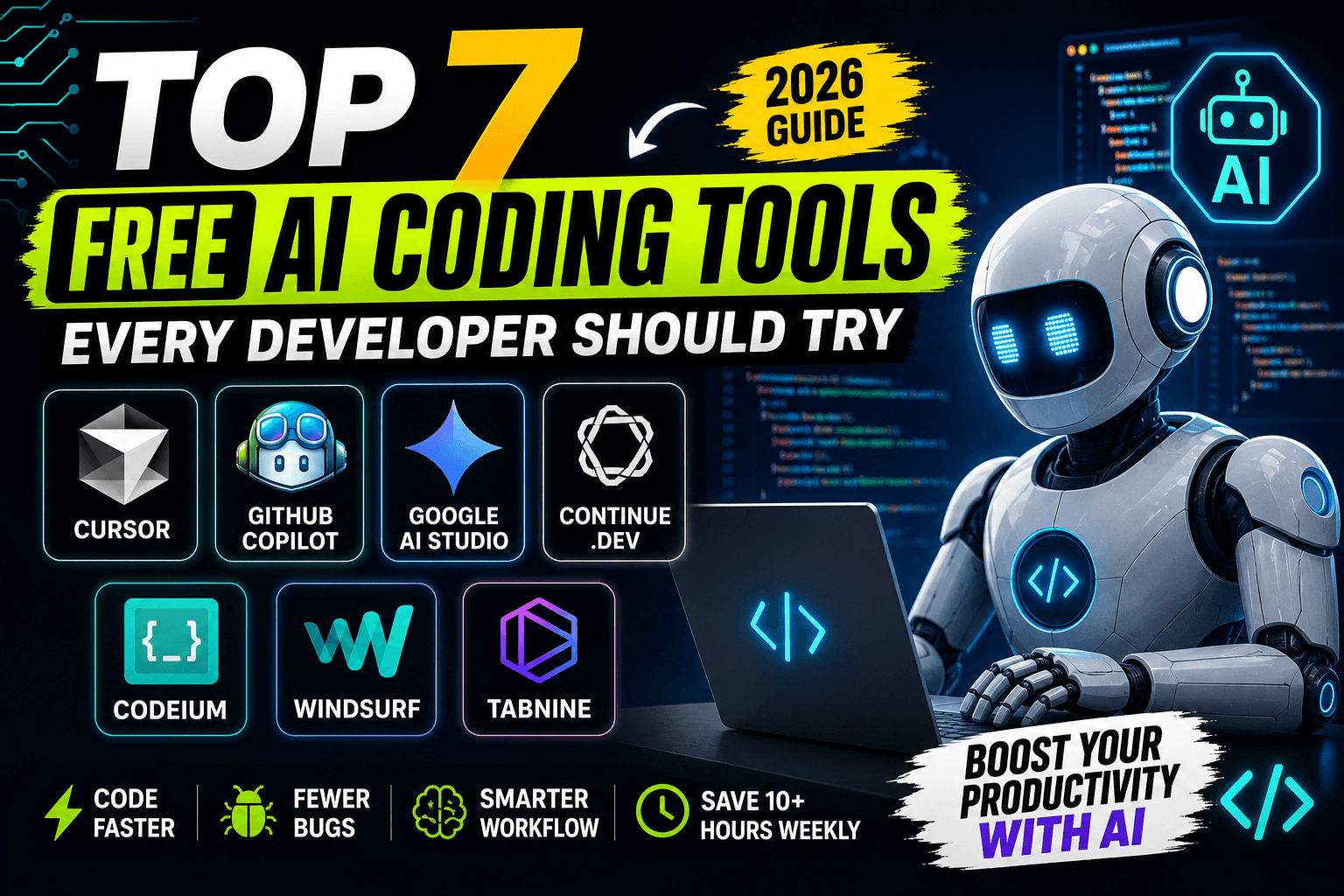
Top 7 Free AI Coding Tools Every Developer Should Try in 2026
Artificial Intelligence has completely transformed software development. Tasks that once required hours of debugging, documentation reading, or repetitive coding can now be completed in minutes with the help of AI-powered coding assistants.
The best part? You don't always need expensive subscriptions. Several powerful AI coding tools offer generous free plans that are perfect for students, freelancers, startup founders, and professional developers.
In this guide, we'll explore seven of the best free AI coding tools you should start using today.
1. Cursor AI
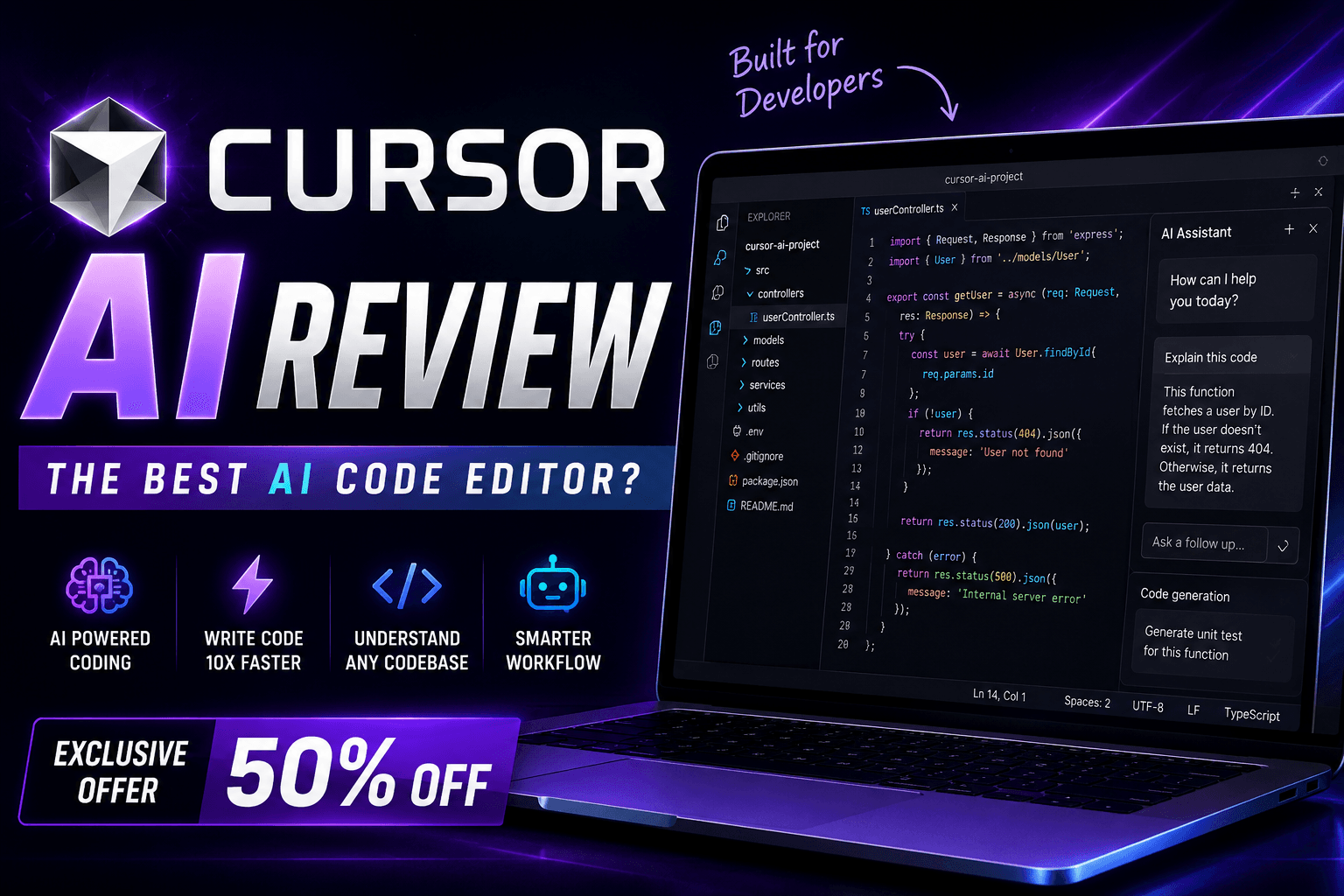
Cursor AI has quickly become one of the most popular AI-powered code editors.
It understands your entire project instead of just a single file, allowing it to generate smarter suggestions and fix bugs more accurately.
Best Features
- AI-powered autocomplete
- Understands project structure
- Generates complete functions
- Explains existing code
- Refactors messy code
- Helps debug errors quickly
Best For
- Full Stack Developers
- React Developers
- Node.js Developers
- Python Developers
2. GitHub Copilot Free
GitHub Copilot helps developers write code significantly faster.
It predicts what you're trying to build and suggests complete lines or even entire functions while you type.
Best Features
- Smart code completion
- Supports multiple programming languages
- Works inside VS Code
- Learns from coding patterns
- Saves repetitive typing
Best For
Anyone who writes code daily.
3. Google AI Studio
Google AI Studio allows developers to experiment with powerful AI models for coding, automation, and application development.
It's especially useful when building AI-powered products.
Best Features
- API testing
- Prompt engineering
- Code generation
- JSON output
- Large context support
Best For
Developers building AI applications.
4. Continue.dev
Continue is an open-source AI coding assistant that integrates directly into VS Code.
It allows developers to work with different AI models while keeping their existing workflow.
Best Features
- Open source
- Multiple AI model support
- Inline editing
- Chat with your codebase
- Highly customizable
Best For
Developers who prefer open-source tools.
5. Codeium
Codeium provides unlimited AI code completion for many users on its free plan.
It supports dozens of programming languages and integrates with popular IDEs.
Best Features
- Fast autocomplete
- AI chat
- Code explanation
- Unit test generation
- Refactoring assistance
Best For
Students and independent developers.
6. Windsurf Editor
Windsurf is a modern AI-first code editor focused on improving the overall development experience.
It combines intelligent suggestions with project understanding to speed up development.
Best Features
- AI conversations
- Multi-file editing
- Code generation
- Error detection
- Productivity-focused interface
Best For
Modern web developers.
7. Tabnine
Tabnine uses AI to provide privacy-focused code completion.
It supports many programming languages and works well for enterprise and personal projects.
Best Features
- AI autocomplete
- Multiple IDE support
- Privacy-focused
- Team collaboration
- Fast suggestions
Best For
Developers who prioritize security and privacy.
Why Should Developers Use AI Coding Tools?
AI coding assistants don't replace developers—they eliminate repetitive work so you can focus on solving real problems.
Here are some major advantages:
- Faster coding
- Fewer bugs
- Better documentation
- Improved code quality
- Faster learning for beginners
- Increased productivity
- Better understanding of large codebases
Tips for Getting the Best Results
To maximize productivity:
- Write clear prompts.
- Review AI-generated code before deployment.
- Learn the fundamentals of programming.
- Use version control for every project.
- Combine multiple AI tools depending on your workflow.
Remember, AI works best when paired with human creativity and critical thinking.
Final Thoughts
AI coding tools have become an essential part of modern software development. Whether you're creating websites, mobile apps, SaaS products, or automation scripts, these tools can save hours of development time every week.
The good news is that you don't need expensive software to get started. Most of the tools listed above provide excellent free plans that are powerful enough for learning, freelancing, and even professional development.
Start with one tool, integrate it into your workflow, and gradually explore others as your projects grow.
Frequently Asked Questions
Which free AI coding tool is best for beginners?
Cursor AI and GitHub Copilot Free are excellent choices because they provide intelligent code suggestions and help explain programming concepts.
Can AI write complete applications?
AI can generate significant portions of an application, but developers still need to review, test, optimize, and maintain the code.
Are free AI coding tools enough for professional work?
Yes. Many professional developers use free versions during development and upgrade only when advanced features become necessary.
Which programming languages are supported?
Most AI coding assistants support JavaScript, TypeScript, Python, Java, C++, PHP, Go, Rust, and many other popular languages.
Will AI replace software developers?
No. AI is a productivity tool that helps developers work faster, but problem-solving, architecture, and decision-making still require human expertise.
Advertisement
Reserved ad space · Google AdSense
Comments (0)